

REEFS USB Link V2 #REEFS232
REEFS USB Link V2 #REEFS232
Regular price
$25.99
Regular price
Sale price
$25.99
Unit price
per
Shipping calculated at checkout.
Couldn't load pickup availability
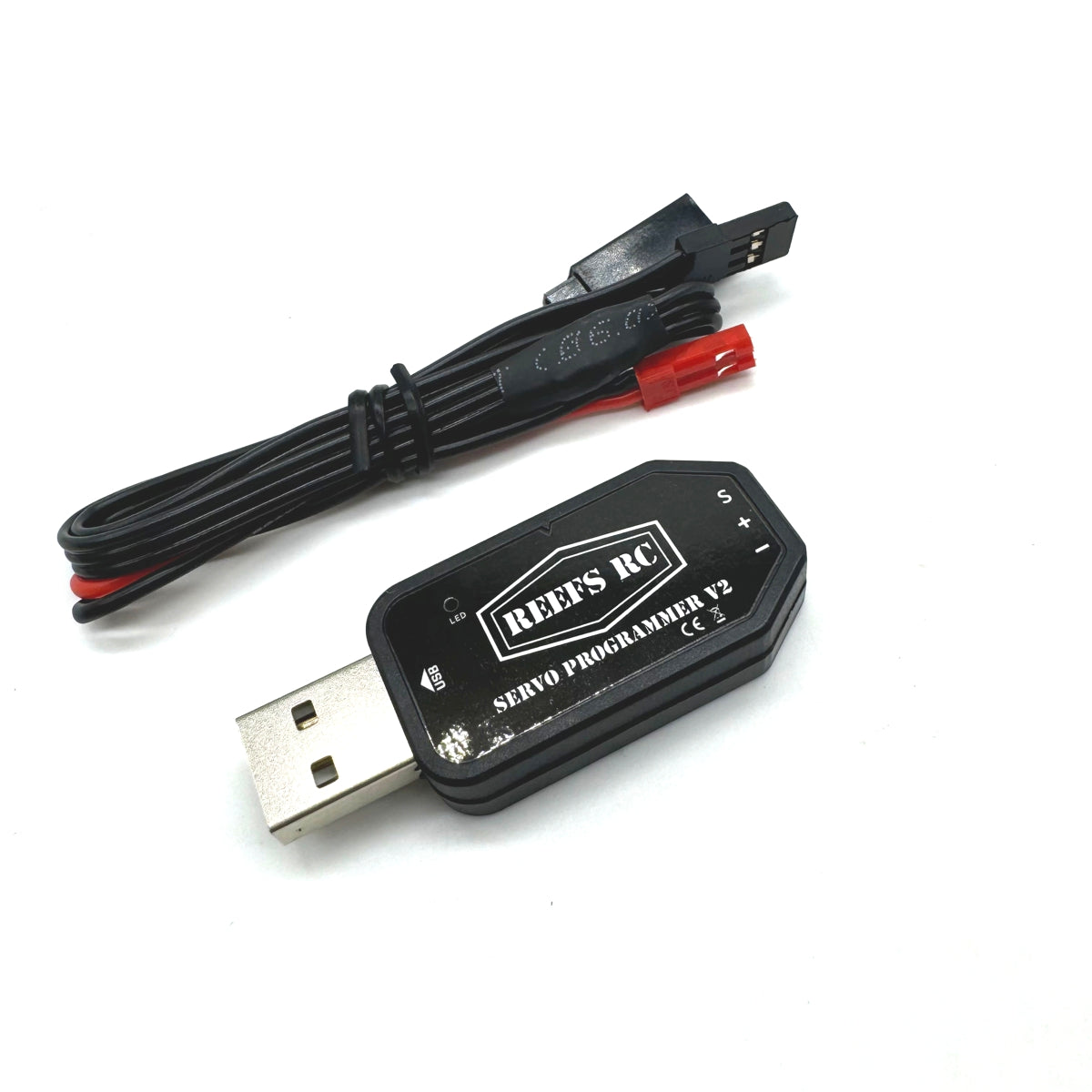
The USB Link V2 provides you with additional customization for all your Reefs programmable and smart servos or winches. The USB Link V2 has all the adjustments from the V1 with these additional features:
- Supports programming 4S (900LP) and large scale servos.
- Updated Travel Range: This now allows you to independently adjust left and right.
- Updated "Soft Start now has 11 levels for you to choose from.
- Backwards compatible with all previous Reefs Servos and winches
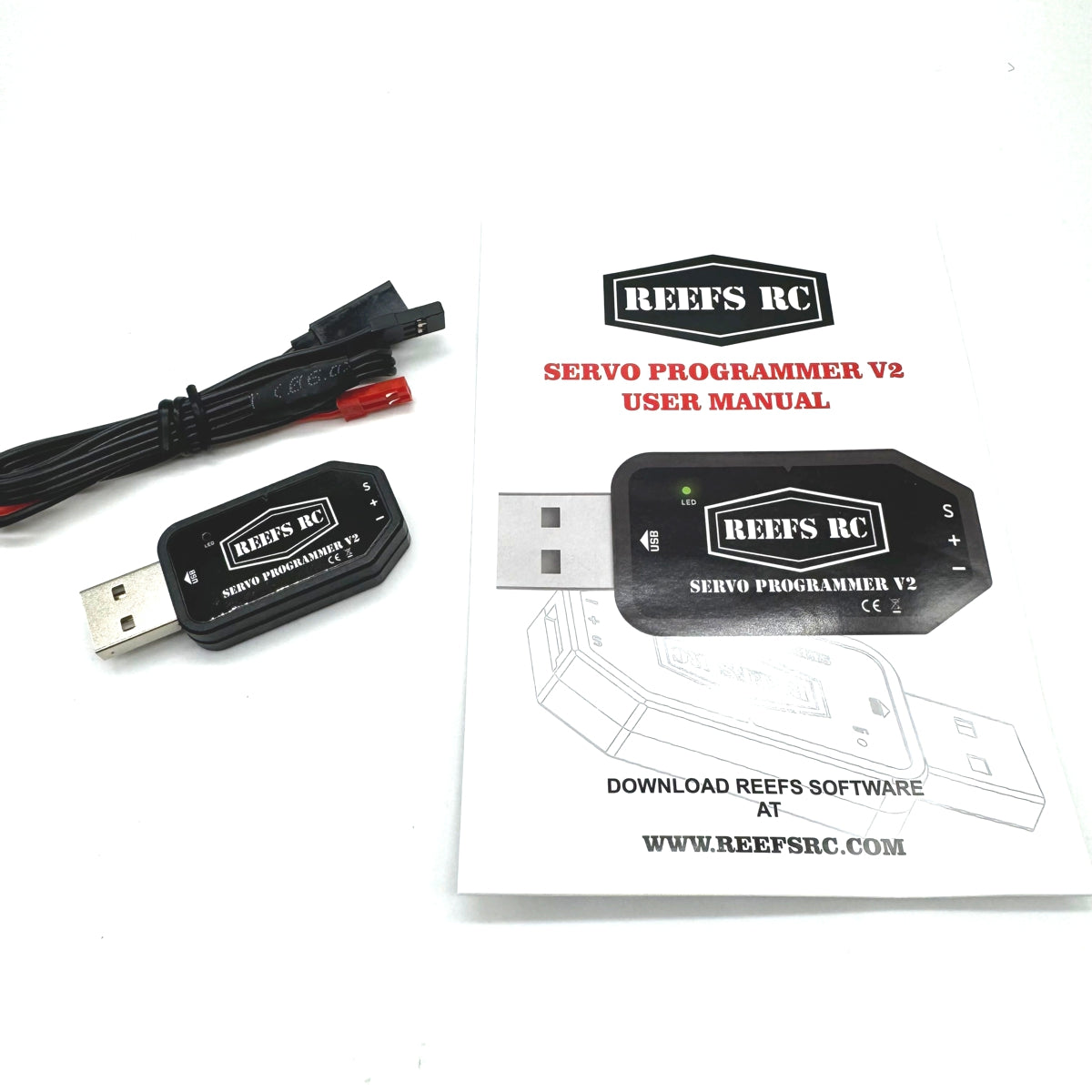
Includes manual and USB Link adapter. Works with PC only.
Operating System: Windows XP/ Windows Vista/ Windows 7/ Windows 8/ Windows 10 (32/64 Bit)
For programming software, click here. (PC Only)
Programing function descriptions
Servo Angle Setting: Set the rotation Angle of the servo
Servo Neutral Setting: Sets the center position of the servo. If the servo is not in the correct position when the remote control trim is centered, this value can be adjusted to offset the servo horn position.
Servo Neutral Setting: Sets the center position of the servo. If the servo is not in the correct position when the remote control trim is centered, this value can be adjusted to offset the servo horn position.
PWM Power: Adjusts the PWM current supplied by the PCB to the motor. Higher power increases the servo’s torque and speed, but also results in greater current consumption.
You would adjust the PWM power setting when you need to balance servo performance and power consumption. Common situations include:
- Increase power when:
- The servo does not have enough torque to move the load.
- Faster servo response or movement speed is needed.
- The servo stalls or struggles under heavier mechanical resistance.
- Decrease power when:
- You want to reduce current consumption and heat generation.
- The servo is too aggressive or moves too quickly.
- Battery life is important.
- You want quieter operation or less stress on gears and linkages.
In general, use the lowest power setting that still provides stable and reliable servo operation.
Damping Factor: Sets the servo damping.
If the damping is low, the servo horn may overshoot the target position and then move back to correct itself. If the damping is high, the servo horn will slow down before reaching the target position and then approach the position more smoothly and gradually.
Sensitivity: Adjust the dead zone (sensitivity) of the servo
Adjusts the servo dead zone (sensitivity). A smaller dead zone increases sensitivity and response accuracy, while a larger dead zone reduces sensitivity and can help minimize jitter caused by small signal fluctuations.
Soft Start: Slow reset function when the servo is powered on. After startup, the servo will gradually move to the position corresponding to the current input signal instead of moving there immediately.
The slow reset function on power-on helps prevent equipment damage caused by rapid servo movement during startup when the servo installation position is incorrect.
Inversion: Sets the servo rotation direction, allowing the servo to rotate in either the normal or reversed direction.
Narrow Band: FUTABA SR Signal Mode
SANWA SSR: SANWA SSR Signal mode.
Lost PPM Protect: Signal-loss protection features with three available modes:
- Release: No protection; the servo stops holding position after signal loss.
- Keep Position: Maintains the last position before the signal was lost.
-
Go Neutral Position: Returns the servo to the center position (1500 μs pulse width).
Over Load Protection
The servo blocking protection system features 3 adjustable protection levels that activate after overload detection.
-
Level 1:
Sets the activation time and output power value for the first stage of protection. -
Level 2:
Sets the activation time and output power value for the second stage of protection. -
Level 3:
Sets the activation time and output power value for the third stage of protection.
This multi-stage protection system helps reduce servo stress and prevent damage during stalled or high-load conditions.
The value on the left side sets the protection activation time, while the value on the right side sets the servo output power percentage after protection is activated.
Read: Reads the servo parameters and loads them into the software interface.
Write: Writes the current parameter settings to the servo.
Open: Opens a servo parameter file saved on the computer.
Save: Saves the current servo parameter settings to the computer.
UPF: Servo firmware upgrade function.
Default: Restores the servo to factory default settings.
Exit: Exits and closes the parameter adjustment software.
Item# REEFS232
TECH TIP: If you get the message "Error 02, Please check connect of module), Click on this link to watch this video by one of our consumers: Error 02 update

WARNING: This product can expose you to chemicals, which are known to the State of California to cause cancer. For more information, go to www.P65Warnings.ca.gov.